2- Manage payments
Manual payment management
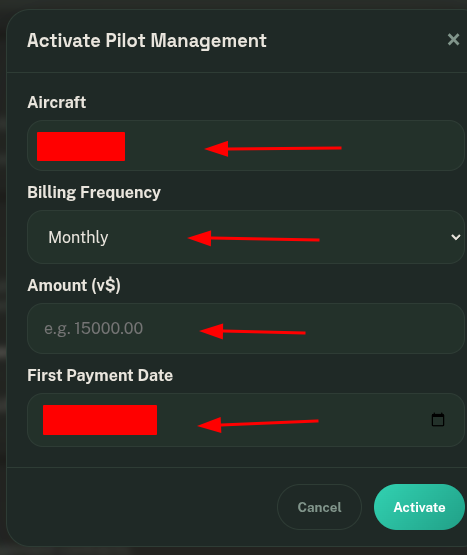
When you click on Activate Pilot Management, you can configure the installments, their corresponding amounts, and the date of the first payment.
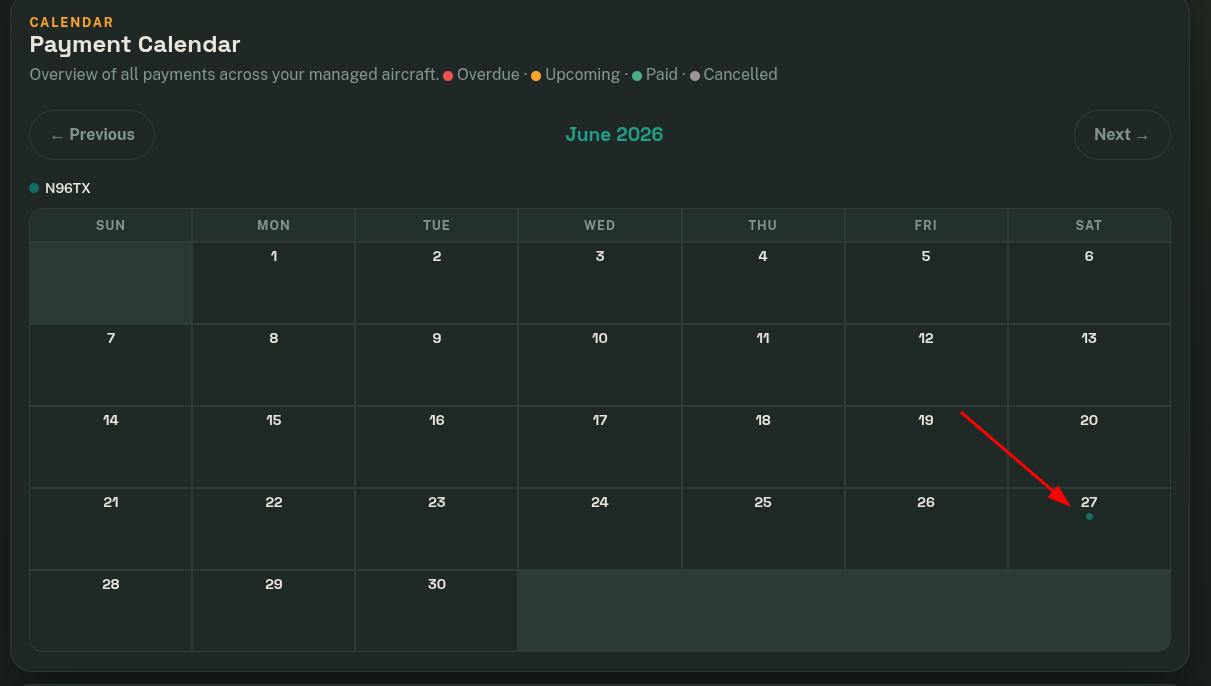
At this moment, the calendar will display the next payment that the pilot needs to make.
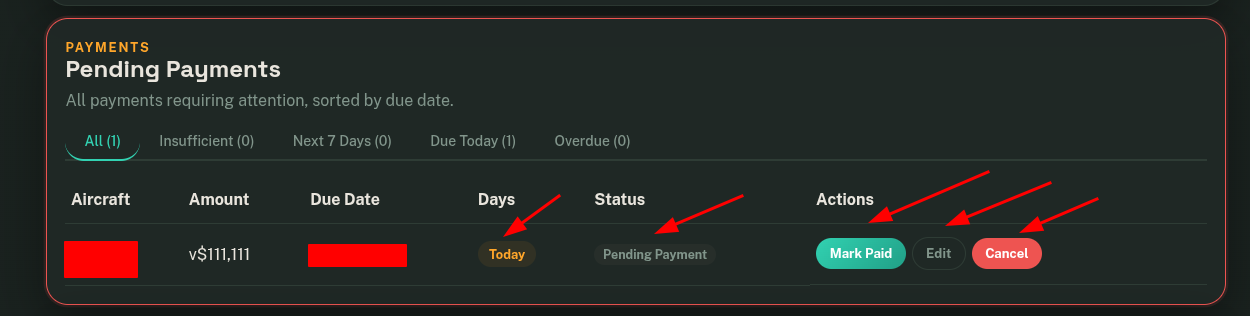
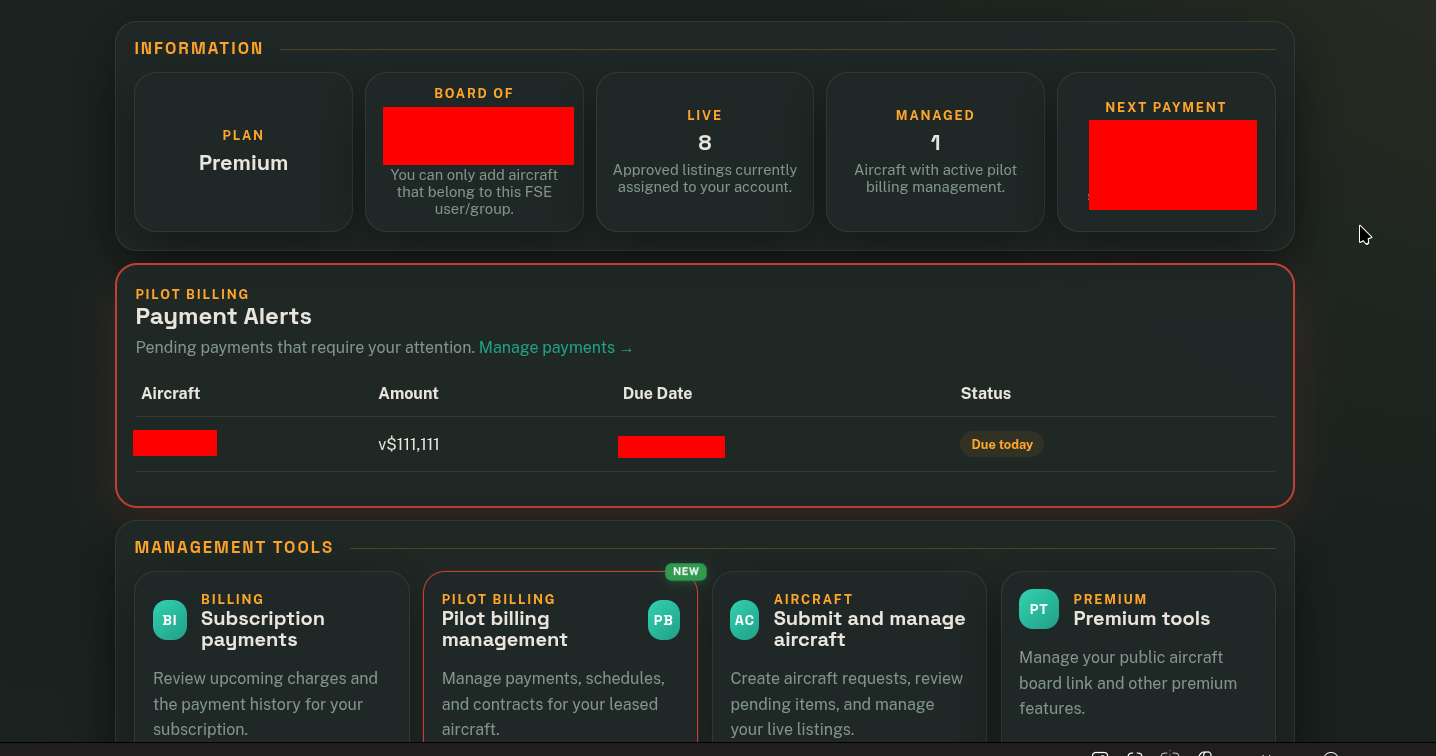
In the Pending Payments module, upcoming due payments within the next 7 days or less will be displayed. Alerts will also appear on the dashboard to notify you of the next payment.
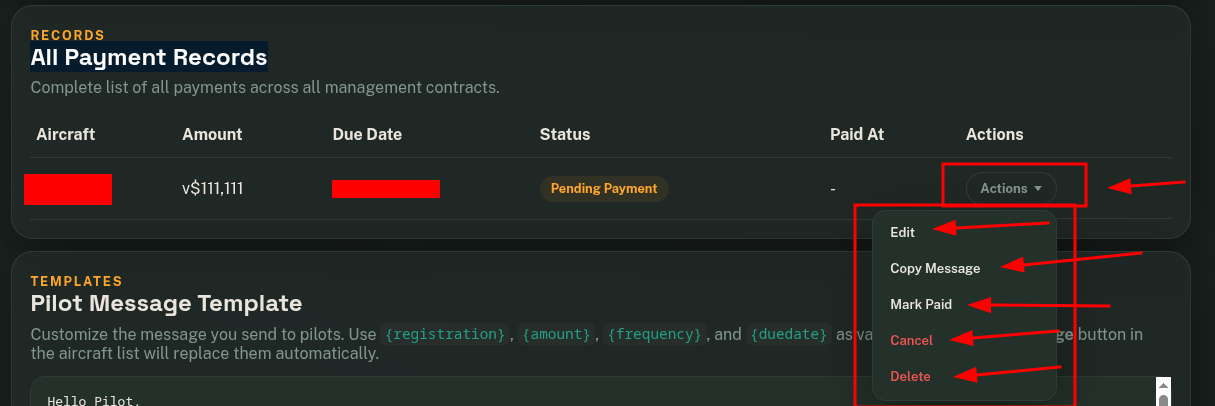
In the All Payment Records module, you will be able to view all upcoming pending payments. From this panel, you can edit, mark as paid, cancel, or delete payments.
When you click on Pay, the next payment will be automatically generated according to the configured payment frequency.