1- Aircraft Upload to FSELeaseHub.
Once your FSELeaseHub account has been created and verified, you will be able to upload aircraft.
By doing this, your listing will be published on the website, and future pilots will be able to contact you if they are interested in your published aircraft.
|
INFO: Please respect the rules and instructions displayed on the page. |
Aircraft Upload
-
Go to Submit and Manage Aircraft.
-
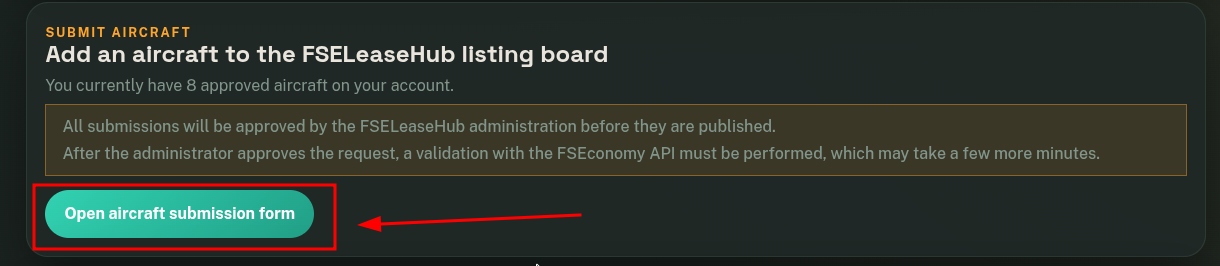
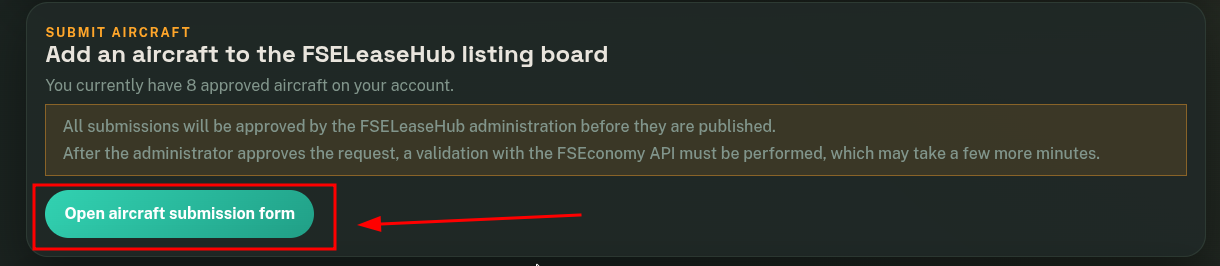
Click on the Open Aircraft Submission Form button.
-
Complete all the information in the form. You can specify the conditions and upload images. Once finished, click on Submit for Approval.
At this point, you will need to wait for the Administrator’s approval. Once the administrator approves your request, the aircraft will be added to a processing queue that will check the FSEconomy API, allowing the system to complete the aircraft information (model, location, and other data).
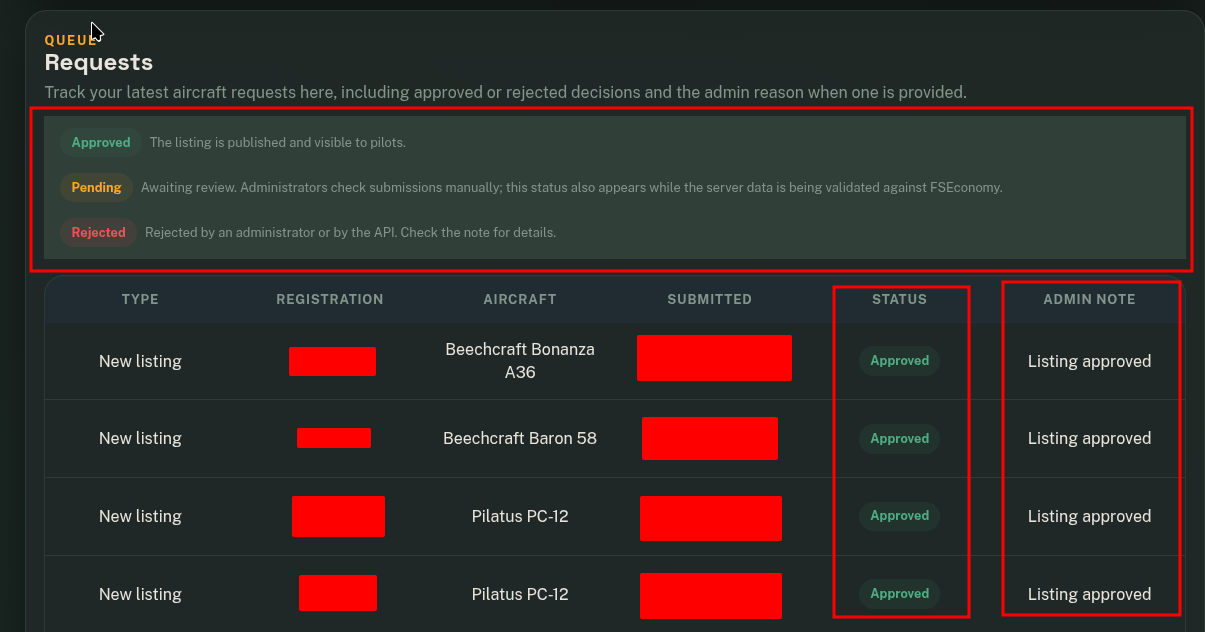
Track your latest aircraft requests
In this module, you will be able to view the status of your submitted aircraft. If an administrator has rejected your request, you will also be able to see the reason. Rejections from the FSEconomy API will also be displayed when the aircraft is not owned by you or if there is any type of error during this verification process.