Update Your Data
Keep your contact information up to date. Here's how you can do it.
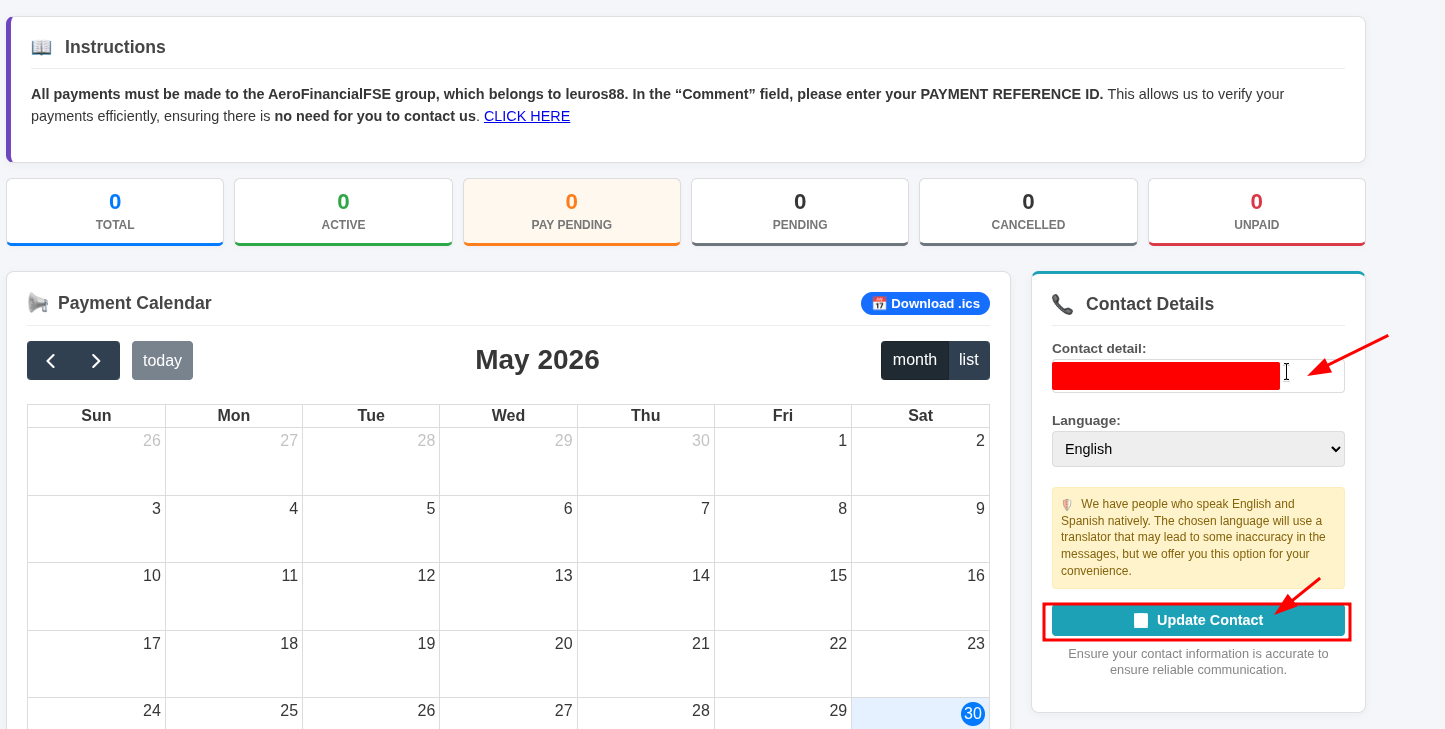
Adding or Updating Your Email Address
- Log in to your account at https://orion.aerofinancialfse.com/
-
In the Contact Details section, add your email address and click "Update Contact".

Once you've completed these steps, your email address will be associated with your account, and all future communications will be sent exclusively to that email address.