2- Edit Aircraft in FSELeaseHub.
Once the aircraft have been uploaded to the FSELeaseHub platform, you will be able to edit them if you made a mistake or want to add more information to their listings.
|
INFO: Please respect the rules and instructions displayed on the page. |
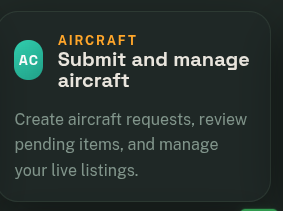
- Go to Submit and Manage Aircraft.

-
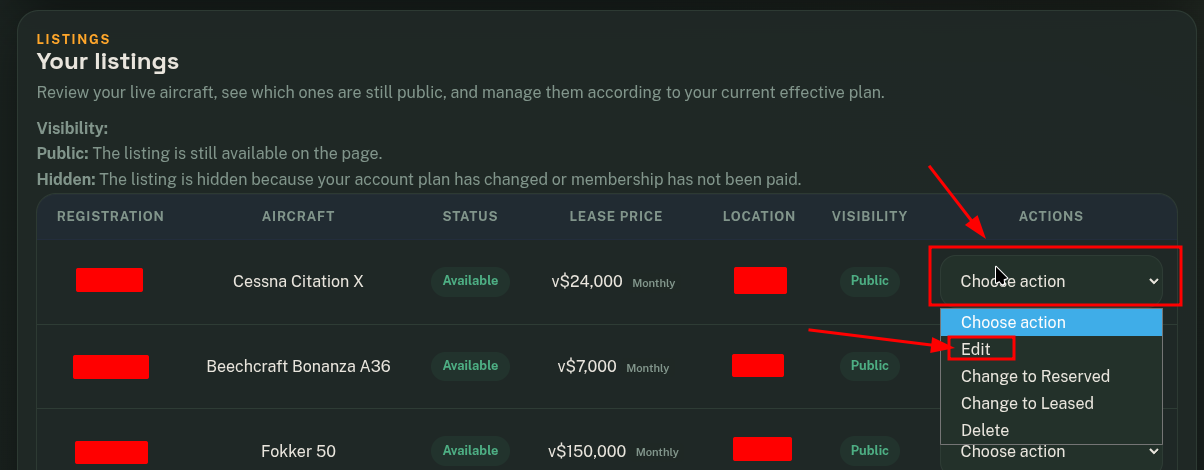
In the Your Listings module, locate the aircraft you want to edit. Click on Edit.

-
Modify the information you need, and once all changes have been made, submit your request by clicking on "Save Changes".